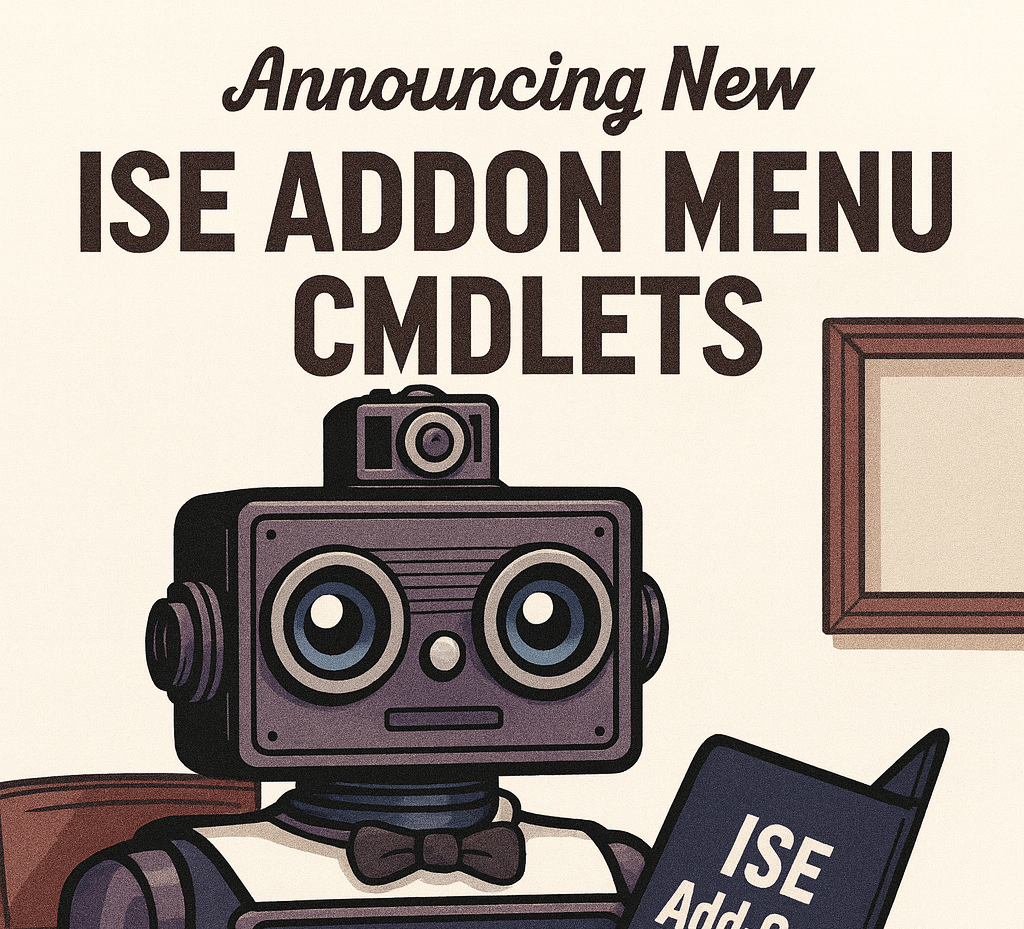
Turn the PowerShell ISE into a centrally managed, context-aware launchpad for your support tools 🛠️. This module builds ISE Add-ons menus from Start Menu shortcuts, folders, CSVs, or registry entries — so your team can launch anything available on the server (or in the current context) without hunting around. 🔍
Why this exists 💡
In many shops, support staff need a consistent toolset without deploying apps to every laptop. This module enables two powerful workflows:
- RemoteApp-hosted ISE (shared support environment) 🌐
Publish PowerShell ISE as a RemoteApp and load the Start Menu into the ISE Add-ons menu via a global profile. Everyone sees the same curated toolset. Update it once, everyone benefits. - Run tools in another security context (elevation scenarios) 🔑
Launch ISE as another user (e.g., an admin account). The same menus appear, but every launcher runs in that account’s context, perfect for tools requiring elevation.
Designed intentionally for PowerShell ISE. It relies on
$psISEand ISE’s Add-ons menu APIs.
Features at a glance ✨
- Build menus from:
- 📂 Directories (mirrors folder structure into nested menus)
- 📄 CSV (curated list of app entries)
- 🗄 Windows Registry (export/import menu definitions)
- 📎 Individual files (
.lnk,.ps1,.bat,.cmd,.exe,.url,.pdf)
- Export ISE menu definitions to the registry (with optional shortcuts) and re-import later
- Supports Microsoft Edge for
.urland.pdf - Centralize tooling and keep it consistent across your team 👥
Supported file types (via New-MenuItemFromShortcut) 📑
| Extension | Behavior |
|---|---|
.lnk | Extracts and runs target with arguments |
.ps1 | Opens in ISE using psedit |
.bat, .cmd | Runs in a normal window |
.exe | Launches directly |
.pdf | Opens in Microsoft Edge |
.url | Parses and opens URL in Microsoft Edge |
Installation ⚙️
Use whichever option applies to your environment.
Option A: Local module
<em># Copy the module folder to one of:</em>
<em># %USERPROFILE%\Documents\WindowsPowerShell\Modules\ISEAddonMenu.cmdlets</em>
<em># or</em>
<em># %ProgramFiles%\WindowsPowerShell\Modules\ISEAddonMenu.cmdlets</em>

Import-Module ISEAddonMenu.cmdlets
Option B: PowerShell Gallery
Install-Module ISEAddonMenu.cmdlets -Scope CurrentUser
Import-Module ISEAddonMenu.cmdlets
Quick start (global ISE profile) 🚀
Load your Start Menu automatically when ISE launches:
<em># $profile for ISE only:</em>
<em># $HOME\Documents\WindowsPowerShell\Microsoft.PowerShellISE_profile.ps1</em>

Import-Module ISEAddonMenu.cmdlets

<em># Mirror the Start Menu into Add-ons</em>
Add-ISEMenuFromDirectory `
    -ShortcutDirectory "C:\ProgramData\Microsoft\Windows\Start Menu\Programs" `
    -RootMenuName "Start Menu"
Publish ISE as a RemoteApp and every support tech gets a consistent, centrally updated launcher.
Cmdlets 📜
New-MenuItemFromShortcut 📎
Adds a menu item to the ISE Add-ons menu from a file (shortcut, script, batch, exe, URL, or PDF).
Example
$menu = $psISE.CurrentPowerShellTab.AddOnsMenu.SubMenus.Add("Tools", $null, $null)
New-MenuItemFromShortcut -ParentMenu $menu -Shortcut (Get-Item "C:\Tools\Doc.pdf")
Add-ISEMenuFromDirectory 📂
Builds a hierarchical ISE Add-ons menu by scanning a directory (and subdirectories).
Example
Add-ISEMenuFromDirectory -ShortcutDirectory "C:\Tools\Shortcuts" -RootMenuName "Tools"
Add-ISEMenuFromDirectory   <em># Uses Start Menu defaults</em>
Add-ISEMenuFromCSV 📄
Creates a new top-level Add-ons menu from a CSV file.
Example
Add-ISEMenuFromCSV -CSVFile "C:\Tools\Apps.csv" -CSVMenuName "Quick Launch"
Add-ISEMenuFromRegistry 🗄
Adds an ISE Add-ons menu using definitions stored in the Windows Registry.
Example
Add-ISEMenuFromRegistry -RegMenuName "DevTools" -RegKey "HKCU:\Software\MyCompany\ISEMenus\DevTools"
Export-ISEMenuToRegistry 💾
Exports menu definitions to the registry under a named subkey.
Get-ISEMenuDefinition 🔍
Reads current ISE Add-ons menu items and returns objects you can export, audit, or re-import.
Launch ▶️
Helper used by Add-ISEMenuFromCSV to start applications defined in a CSV.
Usage patterns 💼
1) Shared support environment (RemoteApp)
- Publish PowerShell ISE as a RemoteApp.
- In the RemoteApp ISE profile, call:
Import-Module ISEAddonMenu.cmdlets Add-ISEMenuFromDirectory -ShortcutDirectory "C:\ProgramData\Microsoft\Windows\Start Menu\Programs" -RootMenuName "Start Menu" - Update shortcuts in one place and every support user gets the same launcher.
2) Elevated context tools
- Start ISE as an admin account; all menu actions execute in that context.
Tips & troubleshooting 🛠️
- Invisible Unicode dashes: Replace en-dashes (
–) with ASCII hyphens (-) in scripts. - Edge for
.url/.pdf: Ensure Microsoft Edge is installed. - Not seeing the Add-ons menu? Confirm you’re in PowerShell ISE, not the console.
Closing 🎯
If your team still relies on ISE for quick support scripting, ISEAddonMenu.cmdlets turns it into a powerful, centrally managed launcher.